Free Receipt Generator

Make custom receipts online in seconds with our AI receipt design tool. Choose from 160+ business receipt templates for faster receipt creation. Download receipts as PDF or PNG for free.

Create Receipt
4.75/5.0500 reviews2,677 Receipts created today.

Why choose Receipt Mango for making receipts?

Every template is editable down to the line item, and the whole thing runs in your browser.

160+ ready-made templates

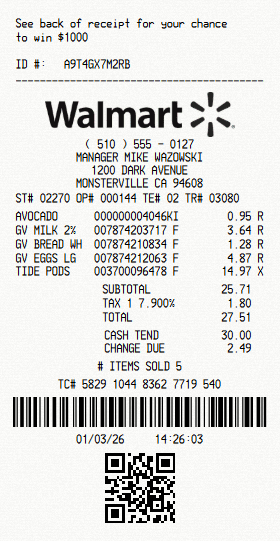
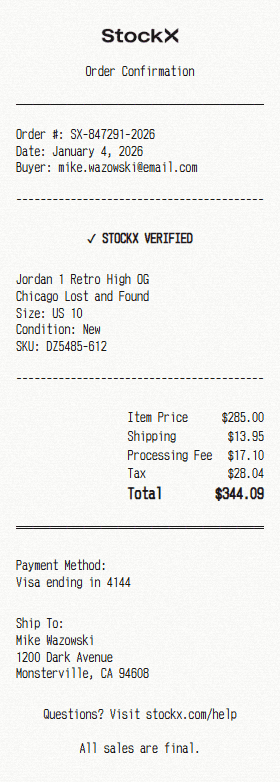
Start from a Walmart, Costco or hotel layout instead of building a receipt from a blank page.

Configure every receipt item

Change business information, transaction details, barcode and create an itemized list of products or services.

Realistic receipt background

Six receipt typefaces and eight paper textures, from crisp thermal to faded and worn.

PDF or PNG image download

Download in the format you need for filing, printing, or dropping straight into a document.

Nothing to install

Our tool runs in your browser on desktop and mobile, no need to download anything.

Free, and no account needed

Create and download receipts without signing up.

How to create a receipt

Choose a template, customize your details, and download your receipt in minutes.

1. Choose a template
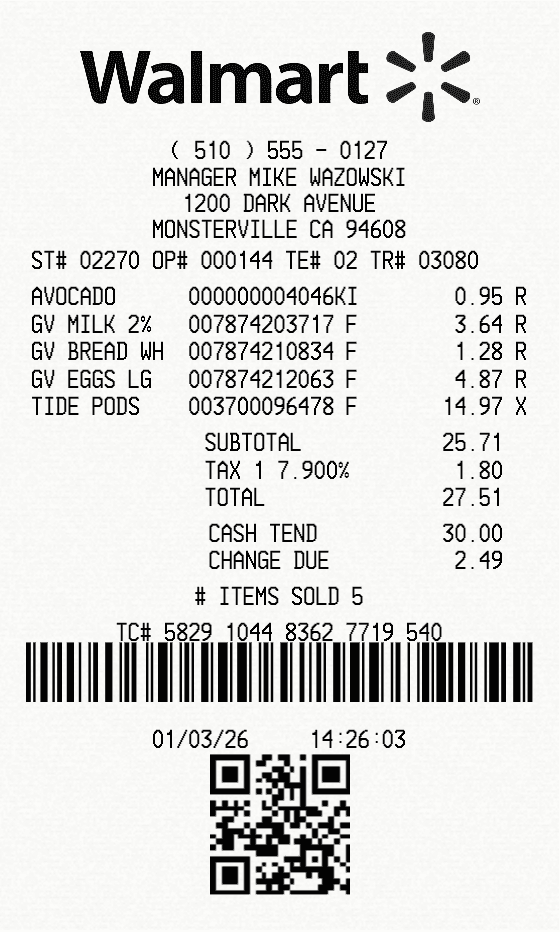
Walmart receipt template

Pick from 160+ realistic business receipt templates for faster receipt creation.

2. Add your details

Edit business info, line items, prices, taxes, payment method, logo, and other receipt details in a few clicks.

3. Download your receipt

PDFPNG image
Sample Walmart receipt template

Export your finished receipt as PDF or PNG.

Built for your needs

Discover how our receipt generator works for business, professionals and individuals

Expense reports

Rebuild a receipt you need to file but can no longer produce, so a claim is not held up by a missing slip.

Reimbursement records

Document a purchase made on someone else’s behalf, with the line items, tax and payment method spelled out.

Bookkeeping and tax records

Keep a clean, legible copy of a transaction for your own books when the original has faded or been lost.

Proof of purchase

Produce a readable record of what was bought, when, and for how much, for a warranty claim or a return.

Invoices for small jobs

Hand a customer a clear itemised total for a job, without buying accounting software to do it.

Budget tracking

Review purchases and monitor where you spend your money.

Frequently Asked Questions

What is receipt generation?
Receipt generation is creating a formatted receipt document from a template instead of a till or register. You choose a layout, fill in the business details, line items and totals, then export the result as a PDF or image for your records.
What is Receipt Mango and how does it work?
Receipt Mango is an online tool that helps you create and customize receipts using ready-made templates. Choose a template, edit your details, and download the result as PDF or PNG in seconds.
How to create a receipt online?
Open the builder, pick one of 160+ templates or start from a blank layout, then edit the business details, line items, taxes and payment method. When it looks right, download it as a PDF or PNG.
Do I need to install software to create receipts?
No. Receipt Mango runs entirely in your browser on desktop and mobile. There is nothing to download, install or keep updated.
Do I need to create an account?
No. You can create and download receipts straight away with no signup. An account is only needed if you want to save templates and return to them later.
How fast can I create a receipt?
Usually under a minute. Pick a template, change the fields you need, and download. The receipt is drawn in your own browser, so nothing is queued or processed on a server.
What can I edit on the receipt?
You can edit business information, line items, prices, taxes, totals, payment method, fonts, and other receipt details. Templates can also support logos and styling options.
What formats can I download?
You can download your receipt as PDF or PNG for printing, sharing, or saving.
What popular receipt templates Receipt Mango offers?
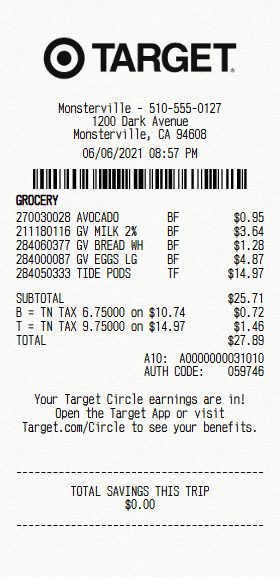
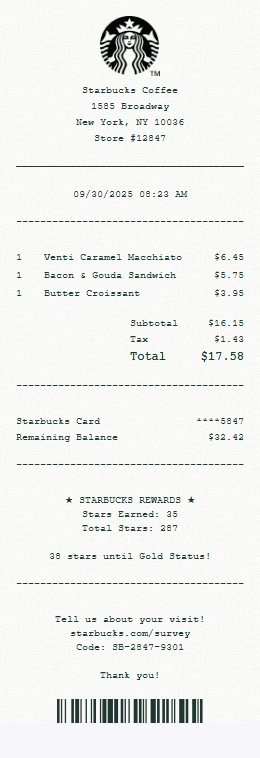
Popular starting points include Walmart, Target, Amazon and Costco, alongside grocery, restaurant, coffee shop, gas station, hotel, auto and general service layouts. The templates page lists all 160+.
Does Receipt Mango support invoice receipts?
Yes. Service layouts such as Generic POS, Mechanic, Electrician, Construction and Towing set out an itemised job total with tax and payment lines, which is the usual shape of a small invoice.
Can I create receipts in multiple languages?
The interface is in English, but every field on the receipt is free text, so you can enter the business name, address, item names and messages in any language. Currency symbols are available for USD, EUR, GBP, JPY/CNY and INR.
Can I print the receipt from my browser?
Yes. Download the PDF and print it directly from your browser.
Is there a watermark on the receipts?
Free downloads include a small ReceiptMango.com watermark. Upgrading to Pro unlocks watermark-free downloads.
How accurate are Receipt Mango created receipts?
Templates reproduce the layout, typefaces, spacing and paper texture of real printed receipts, so the result reads as a receipt rather than a word-processor document. The figures on it are whatever you enter, so the detail is exactly as accurate as the information you put in.
Does Receipt Mango work on mobile?
Yes. Receipt Mango works in your browser on desktop and mobile devices.
What happens to the details I enter?
Your receipt is built and captured in your own browser, so its contents are not sent to us to create or download it. If you use Receipt Mango without an account, nothing you type is stored. Receipt content only reaches our database if you save it to an account or choose to submit it as a public example. For signed-in users we record which template was downloaded and in which format, not the details on the receipt.
Is it legal to use a receipt maker?
Yes. Receipt Mango is a legitimate design and document tool for business, record-keeping, creative, and educational use.
What can I use Receipt Mango for?
Common uses are expense reports, reimbursement records, bookkeeping and tax records, proof of purchase, itemised invoices for small jobs, and budget tracking. Receipt Mango is designed for legitimate business documentation, record-keeping, creative projects, and educational use.
Is Receipt Mango suitable for business use?
Yes. Businesses use it for expense documentation, reimbursement records, bookkeeping copies, and handing a customer an itemised total for a small job without buying accounting software.
Is Receipt Mango suitable for personal use?
Yes. Common personal uses are tracking what you spend, keeping proof of purchase for a warranty claim or a return, and replacing a receipt that has faded or been lost.
Is Receipt Mango free?
Yes. You can create and download receipts for free with no signup required.
Is there a free receipt design tool available?
Yes. Receipt Mango is free to use: design and download as many receipts as you like without an account.

Start creating with a template

Choose from 160+ realistic receipt templates for business and personal use to start creating receipts in seconds